
Creating a peaceful and organised home workspace is essential, especially as many of us spend more time working from home. A well-designed workspace can enhance focus, reduce stress, and improve productivity. Whether you have a dedicated room or just a small corner, there are simple ways to transform your area into a calm and efficient environment.
Why a Peaceful Workspace Matters
Working in a chaotic or noisy space can drain your energy and make concentrating difficult. Conversely, a workspace that is tidy and thoughtfully arranged promotes a positive mindset and helps you maintain motivation throughout the day. It’s not just about aesthetics; it’s about creating a setting that supports your work habits and wellbeing.
Choosing the Right Spot
Consider natural light
If possible, set up your workspace near a window to take advantage of natural light. Daylight can improve mood, reduce eye strain, and help regulate your body’s natural rhythms. Position your desk so that you avoid glare on your screen but still benefit from the daylight.
Minimise distractions
Select a quiet area where interruptions are minimal. If you live with others, communicate your work hours to help create boundaries. Use noise-cancelling headphones or play soft background music if needed to block out household sounds.
Organising Your Workspace
Declutter regularly
Keep your desk free of unnecessary items. A clutter-free surface helps clear your mind and improves your ability to focus. Make it a habit to tidy your desk at the end of each day, putting away items that aren’t essential to your tasks.
Use smart storage solutions
Invest in shelves, drawers, and organisers to keep essentials neat and within reach. Vertical storage can save space and keep files, stationery, and tech accessories organised. Label containers and folders to find items quickly.
Keep cables tidy
Tidy cables contribute to a cleaner look and prevent distractions. Use cable clips, ties, or sleeves to group wires together and keep them out of sight.
Designing for Comfort
Choose an ergonomic chair and desk
Comfort is key for long periods of sitting. Select an adjustable chair that supports your back and allows your feet to rest flat on the floor. Your desk should be at a height where your arms rest comfortably when typing.
Pay attention to posture and breaks
Set reminders to check your posture and take short breaks every hour. Stretching or walking helps reduce stiffness and refreshes your mind.
Personalising Your Space
Add calming elements
Incorporate items that create a peaceful atmosphere, such as plants, a small water feature, or soothing artwork. Plants not only add a touch of nature but can also improve air quality and boost mood.
Use colours wisely
Soft, neutral colours are generally calming and less distracting. If you prefer brighter shades, choose one accent colour that inspires you without overwhelming the space.
Technology and Lighting
Optimise your screen and lighting setup
Adjust your monitor to eye level to reduce neck strain. Use a desk lamp with adjustable brightness and colour temperature to complement natural light and reduce eye fatigue.
Minimise digital distractions
Turn off non-essential notifications and organise your digital files to reduce the time spent searching for information. Consider using productivity apps or website blockers during focused work sessions.
Creating a Daily Routine
Establishing a routine helps reinforce your workspace as a place for productivity. Start your day with a quick review of your tasks and keep your workspace organised throughout. Ending your workday by tidying your area signals a clear boundary between work time and relaxation.
Final Thoughts
Designing a peaceful and organised home workspace is about creating a balance between functionality and comfort. Small changes can have a big impact on how you feel and work. With thoughtful organisation, comfortable furniture, and a few personal touches, your home workspace can become a place where you’re inspired to do your best work every day.
Related Posts
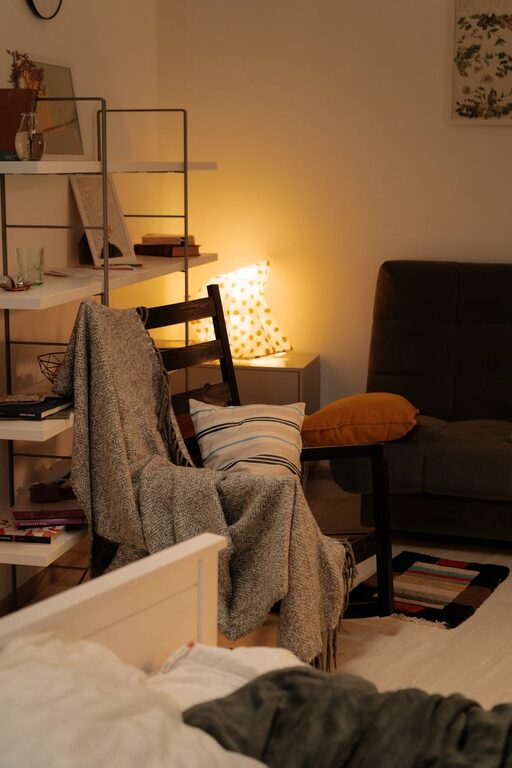
Tips for Creating a Cosy and Inviting Reading Nook at Home
Creating a cosy and inviting reading nook at home can…
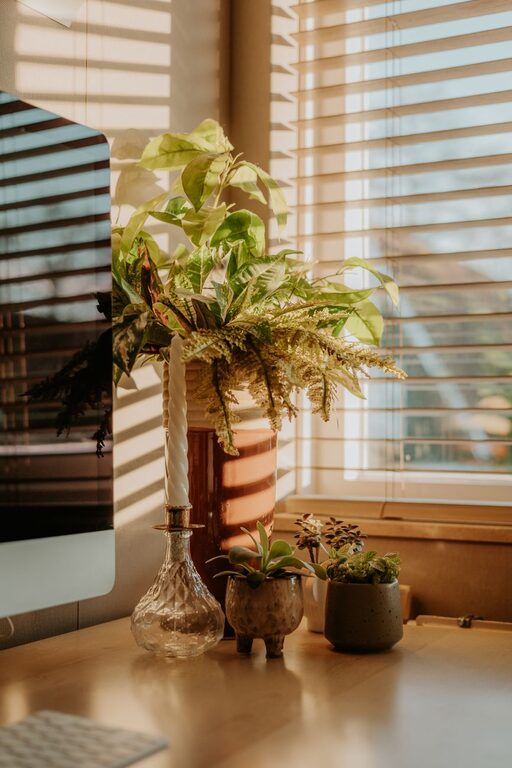
How to Create a Relaxing and Productive Home Office Space
Working from home has become a norm for many, making…
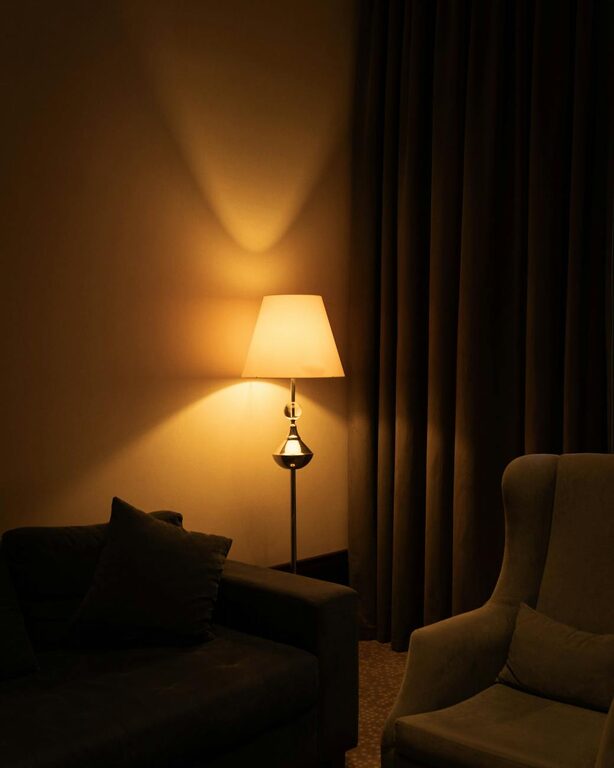
Easy Tips for Creating a Cozy and Inviting Living Room
Creating a cosy and inviting living room is all about…